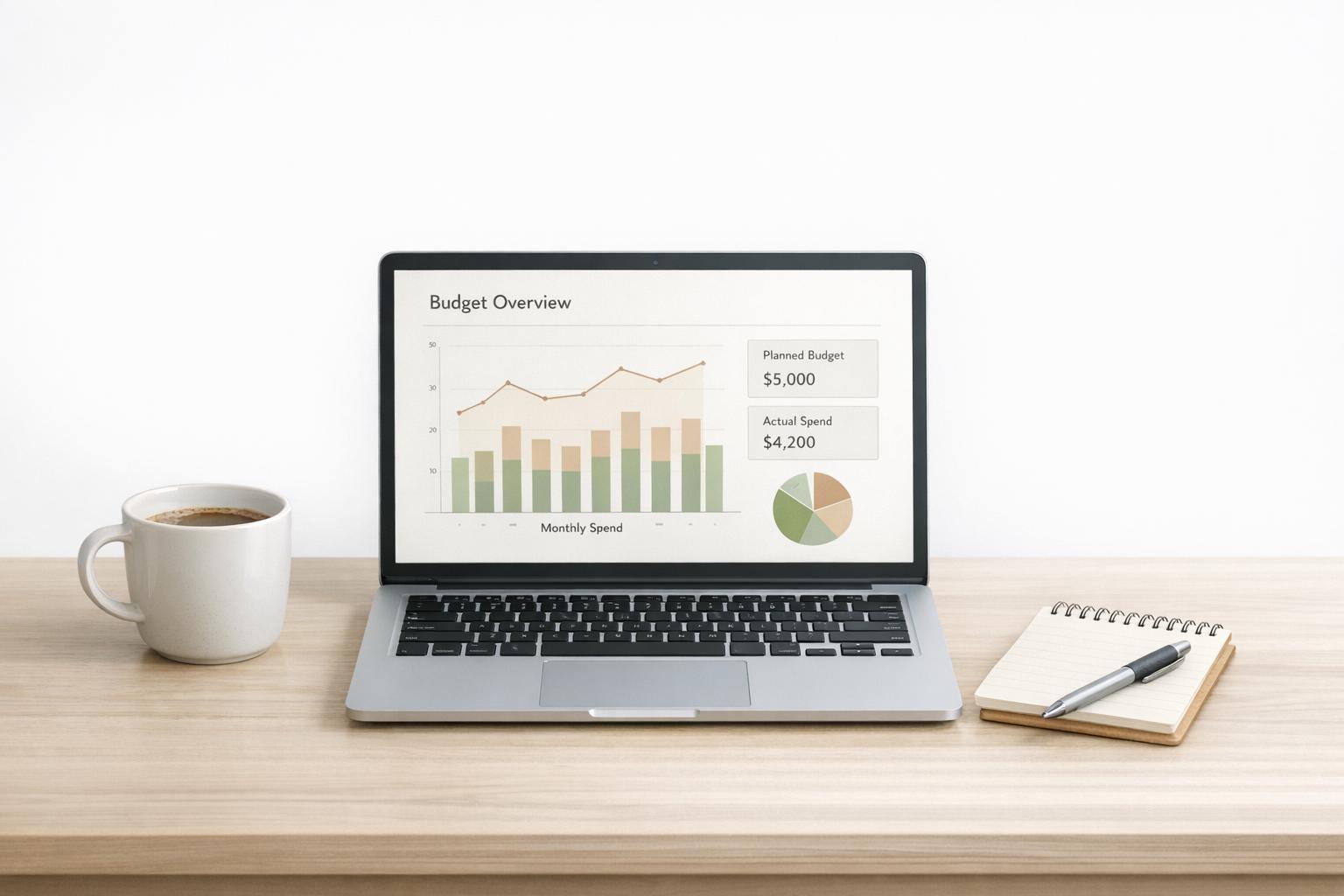
PPC Ad Budget Planner
Plan Smarter with a PPC Ad Budget Planner
Managing a pay-per-click campaign can feel like a juggling act—balancing budgets, bids, and performance metrics while trying to hit your goals. That’s where a solid planning tool comes in handy. A PPC Ad Budget Planner takes the guesswork out of allocating your ad spend, helping you visualise how far your money can go. By inputting a few key details like your total budget, target cost-per-click, and campaign duration, you can quickly see estimated clicks and impressions to guide your strategy.
Why Budget Planning Matters for Ads
Without a clear plan, it’s easy to overspend or miss opportunities in digital advertising. A well-thought-out approach ensures you’re not burning through cash too fast or under-investing in high-potential keywords. Tools designed for campaign budgeting let you break down complex numbers into simple, actionable insights. Whether you’re a small business owner testing the waters or a seasoned marketer managing multiple accounts, having a handle on daily allocations and expected outcomes can make all the difference. Start with realistic inputs, monitor your actual results, and adjust as needed to keep your ads performing at their best.
FAQs
How does this PPC Budget Planner calculate clicks and impressions?
It’s pretty straightforward! We take your total budget and divide it by your target cost-per-click (CPC) to estimate the number of clicks you might get. Then, using your provided click-through rate (CTR), we work out the total impressions—basically, how many times your ad could be shown. Keep in mind these are estimates based on your inputs, so real-world results might vary a bit depending on platform performance or competition.
Can I use this tool for any advertising platform?
Absolutely, this planner is designed to be flexible. Whether you’re running ads on Google, Bing, or even social platforms like Facebook, the core logic of budgeting and estimating clicks applies. Just make sure your CPC and CTR inputs are realistic for the platform you’re using—those numbers can differ quite a bit between, say, search ads and display networks. If you’re unsure, start with industry benchmarks and tweak as you go.
What if my estimated clicks or impressions seem too low?
No worries—that’s a sign to revisit your inputs. If clicks look low, you might need to increase your budget or lower your target CPC if possible. For impressions, a low number often ties to a conservative CTR, so consider optimising your ad copy or targeting to boost engagement. Play around with the numbers in the tool; it’s built to help you experiment and find a sweet spot for your campaign goals.