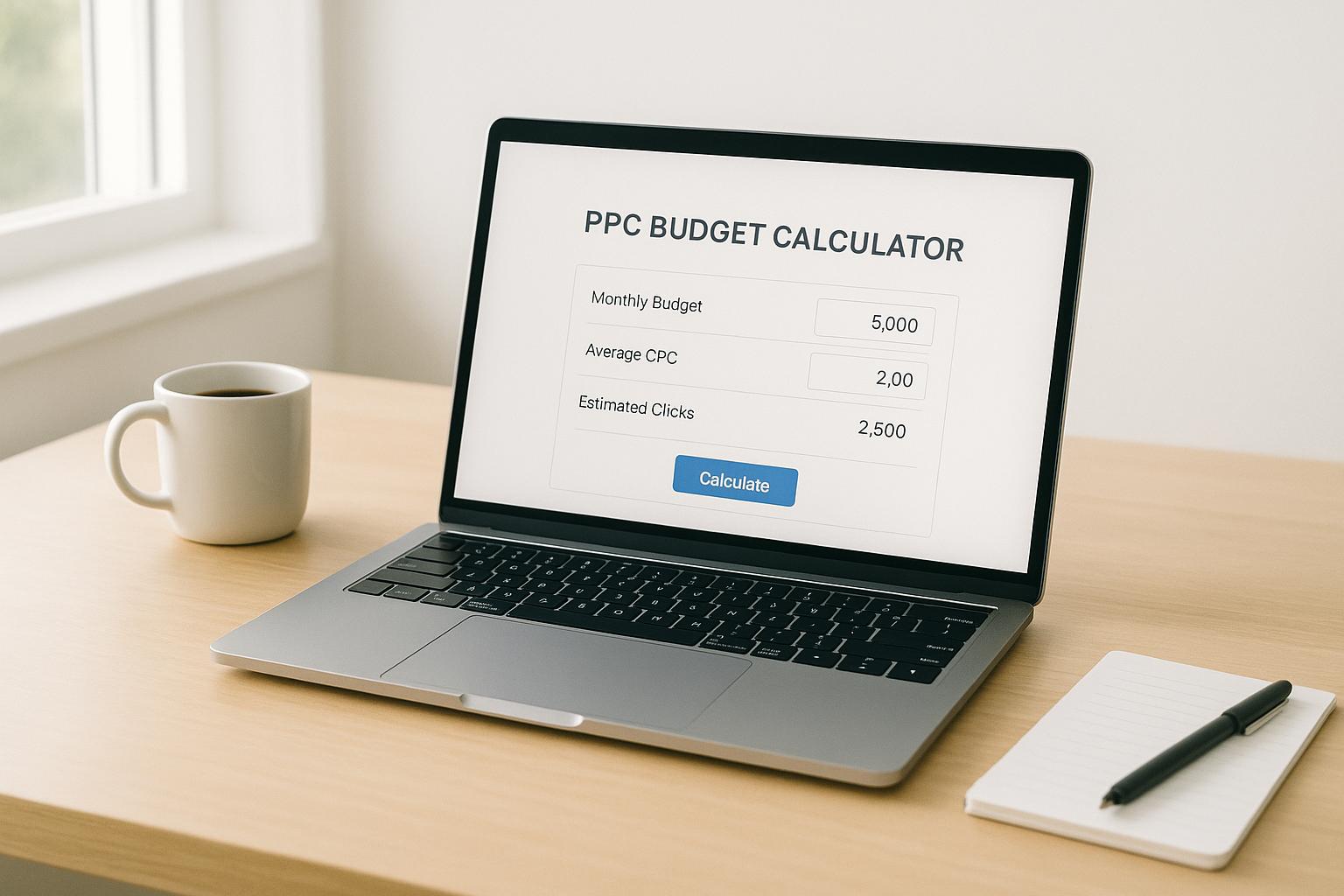
PPC Budget Calculator
Master Your Ad Spend with a PPC Budget Calculator
Planning a pay-per-click campaign can feel like navigating a maze. You’ve got a finite budget, ambitious goals, and a million metrics to track. That’s where a tool like our ad budget planner comes in handy. It’s not just about crunching numbers—it’s about giving digital marketers the clarity to make informed decisions. Whether you’re new to online ads or a seasoned pro, having a reliable way to estimate your daily spend, clicks, and impressions can save you time and money.
Why Budget Planning Matters in Digital Advertising
Every dollar counts in paid advertising. Overspend, and you’re burning cash without results; underspend, and you miss out on potential leads. A solid calculation tool helps you strike the right balance. By breaking down your total funds into daily allocations and projecting key outcomes like click volume and audience reach, you can tweak your strategy before spending a cent. Plus, it’s a fantastic way to test different scenarios—say, adjusting your cost-per-click or campaign length—to see what works best. For anyone serious about maximizing ROI, this kind of resource is a must-have in their toolkit. Keep your campaigns on track and your stress levels low with a little upfront planning!
FAQs
How does this PPC Budget Calculator help my campaigns?
Great question! This tool takes the guesswork out of planning your pay-per-click budget. By inputting a few key details like your total spend, target CPC, and CTR, you’ll get a clear breakdown of your daily budget, estimated clicks, and impressions. It’s like having a mini strategist in your pocket, helping you allocate funds smarter and spot potential issues before you launch. Use it to test different scenarios and find the sweet spot for your ad goals.
What if my inputs aren’t accurate or change mid-campaign?
No worries at all! PPC campaigns often evolve, and this tool is built for flexibility. If your budget, CPC, or CTR shifts, just pop back in, update your numbers, and recalculate. It’s super quick, and the reset button lets you start fresh anytime. Think of it as a sandbox to play with ideas without risking real dollars until you’re ready.
Can I use this tool for multiple campaigns at once?
Absolutely, though it’s designed to handle one campaign at a time for clarity. If you’ve got multiple campaigns, just run the numbers for each one separately. Jot down the results or screenshot them for comparison. It’s a simple way to keep everything organized and ensure you’re not over- or under-allocating funds across your projects. Give it a shot for each ad set, and you’ll see how easy it is to stay on top of things!